Introduction
KawaiiPhysics is a lightweight bone physics simulation plugin for Unreal Engine.

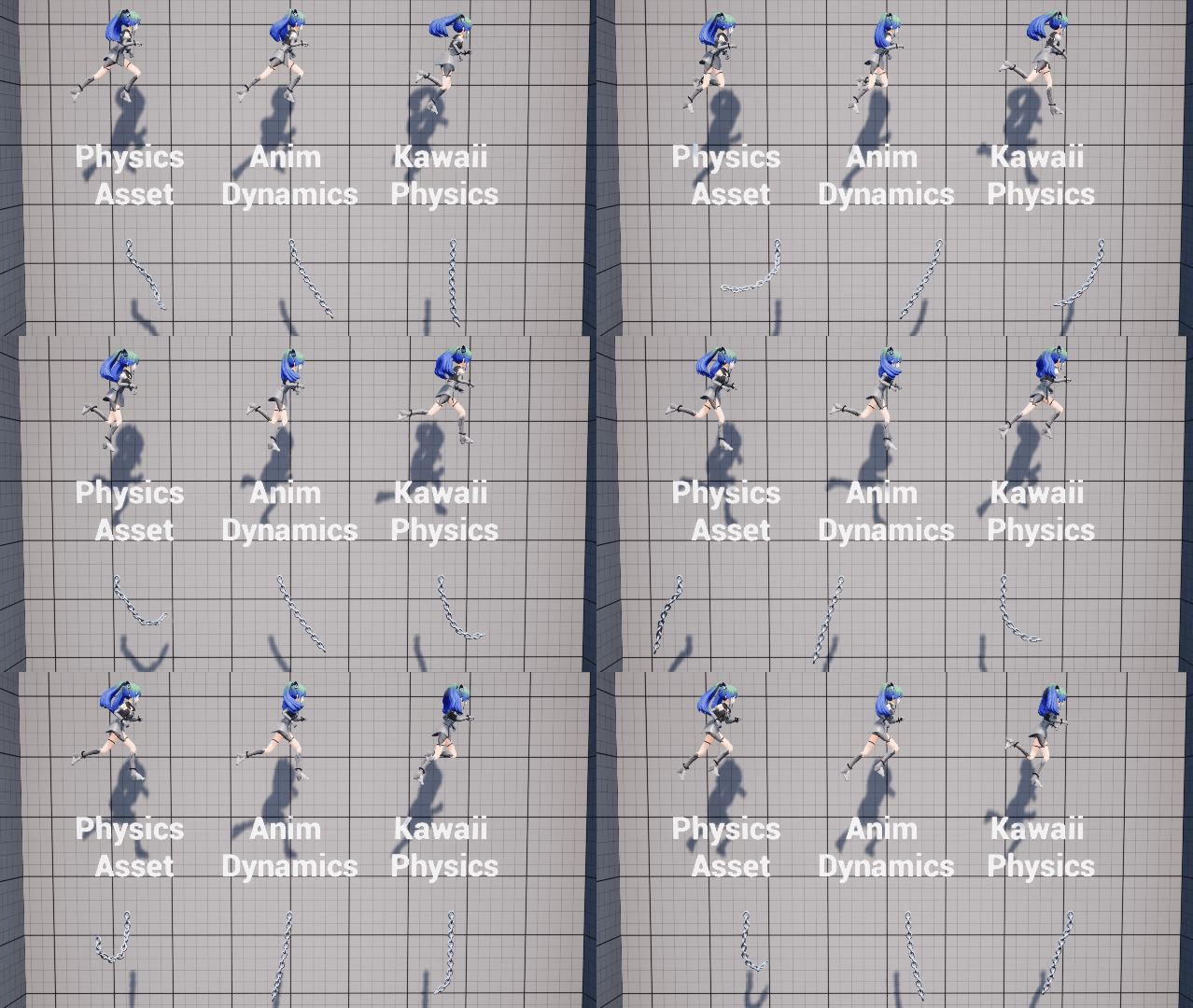
With/without physics simulation comparison
Features
- Simple Setup: Just add one node in AnimGraph
- Lightweight Processing: Custom algorithm that doesn't depend on PhysX
- Rich Collision Support: Supports sphere, capsule, box, and plane collisions
- Skeleton Protection: Stable physics simulation that prevents bone stretching
- External Force Application: Supports wind, gravity, and custom forces
Supported Versions
| KawaiiPhysics | Supported UE Versions |
|---|---|
| 1.21.x | 5.3, 5.4, 5.5, 5.6, 5.7, 5.8 |
| 1.20.x | 5.3, 5.4, 5.5, 5.6, 5.7 |
| 1.19.x | 5.3, 5.4, 5.5, 5.6 |
| 1.18.x | 5.3, 5.4, 5.5 |
| 1.17.x | 5.3, 5.4, 5.5 |
| 1.16.x | 5.2, 5.3, 5.4 |
| 1.14.x | 5.0, 5.1, 5.2 |
| 1.11.1 | 4.27 |
The v1.16 row reflects the UE 5.2 / 5.3 / 5.4 binaries in the published release.
Quick Start
// Add KawaiiPhysics node in Animation Blueprint
// Set Root Bone and specify the bone chain you want physics applied to
- Open Animation Blueprint
- Add Kawaii Physics node to AnimGraph
- Set Root Bone to the parent of the bones you want to animate
- Adjust parameters and preview
For more details, see Installation and Quick Start.
Featured In
KawaiiPhysics has been used in the following titles:
- Granblue Fantasy Versus Rising - Fighting Game
- Stellar Blade - Action Game
Hair and cloth physics in dance animation (Lzebul)
Hair and cloth physics in dance animation (TA式 鷺宮カノ)