Installation
This guide explains how to install KawaiiPhysics in your project.
Method 1: Fab (Recommended)
- Get the plugin from Fab
- Install it to your project via Epic Games Launcher
- Restart your project
Method 2: Download from GitHub
- Download the compatible version from Releases
- Extract to the
Pluginsfolder - Restart your project
YourProject/
├── Content/
├── Plugins/
│   └── KawaiiPhysics/    ← Place it here
└── YourProject.uproject
Method 3: Git Submodule
cd YourProject
git submodule add https://github.com/pafuhana1213/KawaiiPhysics.git Plugins/KawaiiPhysics
Enabling the Plugin
- Open Edit > Plugins
- Search for "KawaiiPhysics"
- Check Enabled
- Restart the editor

Verification
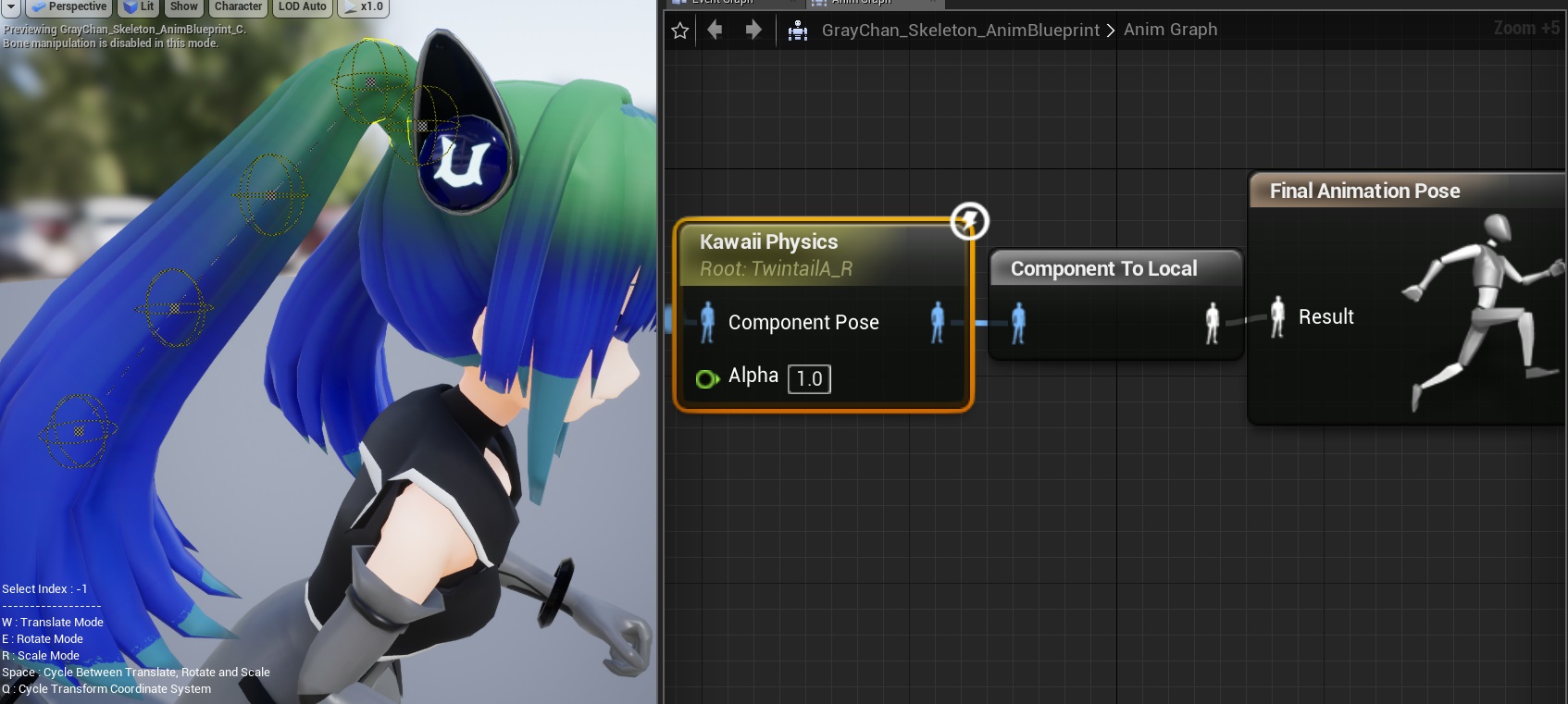
When the plugin is correctly installed, Kawaii Physics will appear in the node list of Animation Blueprint.