Feature Samples
This feature has not been officially released yet. It is planned for KawaiiPhysics v1.22. Specifications may change during development.
Hair may keep swinging, clothing may pass through the body, or wind may look too uniform. When investigating these problems, a finished Animation Blueprint alone can make it difficult to separate the settings responsible for the motion.
The development sample groups exhibits into nine themes, with dedicated Animation Blueprints you can open from each exhibit. Choose the behavior you want to investigate, inspect its settings and result, then use that as a starting point for your character. This guide is for artists tuning hair or clothing and technical owners examining combinations of settings.
Themes
| What you want to improve | Start with | Watch for |
|---|---|---|
| Hair keeps swinging after movement stops | 02_PhysicsSettings | How quickly the tip settles; compare Damping and Stiffness separately |
| Hair or cloth passes through the body | 03_Collision | Shape placement and clearance during the same motion |
| Wind looks too uniform | 08_Wind | Root-to-tip timing, changes in strength, and gusts |
| An action needs a temporary motion change | 06_RuntimeControl | Entry into the effect, its duration, and the return afterward |
For a finished character, inspect the related part's ABP in 09_Showcase, then return to a single-feature exhibit to separate the factors involved. The nine themes include existing features; they are not all additions introduced in v1.22. You can also choose from the Feature Samples Reference.
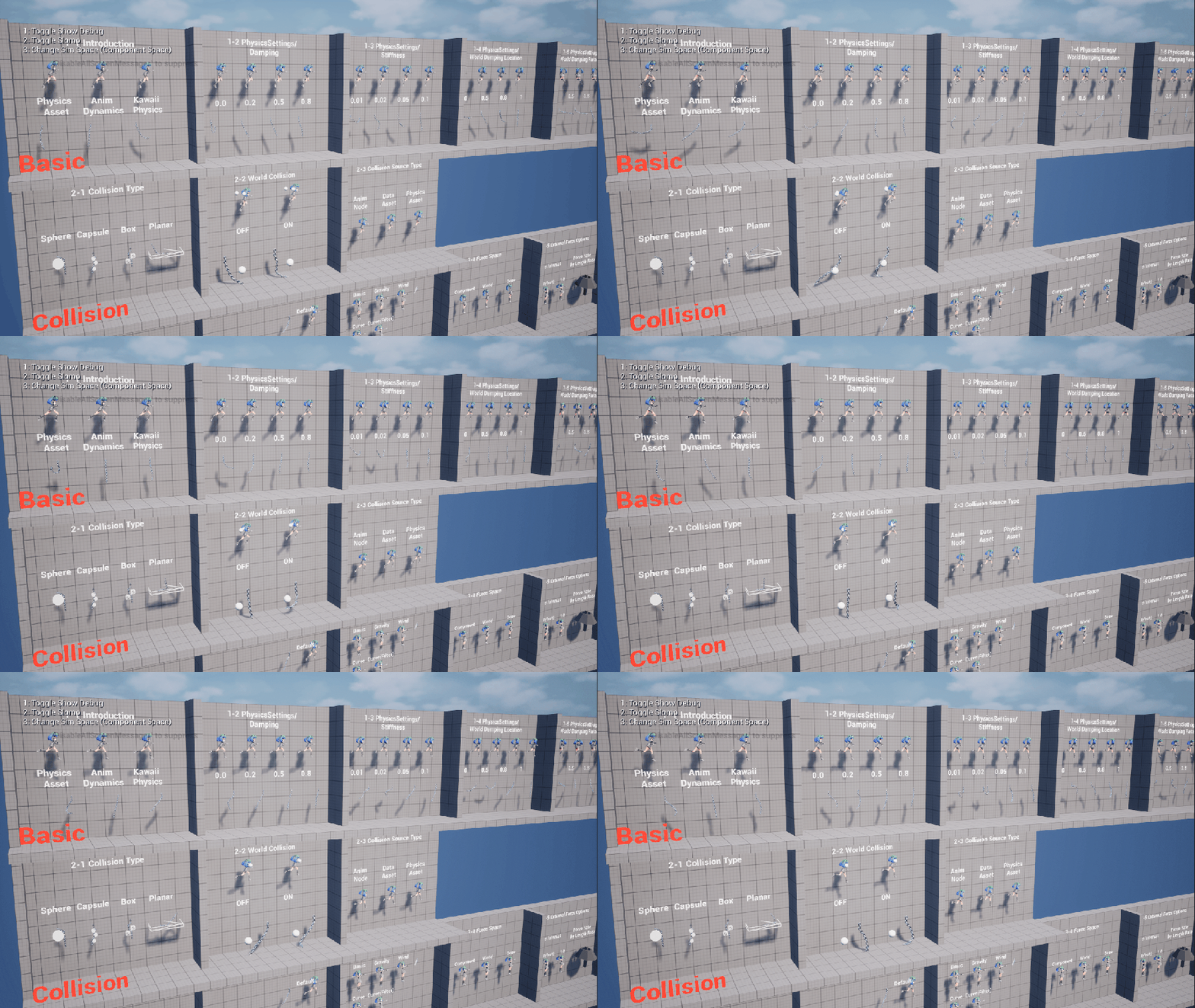
Themes and Related Pages
| Theme | Main exhibits | Related documentation |
|---|---|---|
01_BoneChain | Root Bone, dummy bones, exclusions, additional roots, multiple nodes and tags | Bone chains |
02_PhysicsSettings | Damping, Stiffness, World Damping, Limit Angle, curves, teleport, warmup, SkelCompMoveScale | Physics setup |
03_Collision | Spheres, capsules, tapered capsules, boxes, planes, Limits Data Assets, Physics Assets, world collision | Collision setup, tapered capsules |
04_Forces | Gravity, Simple External Force, force presets, AnimNotify, coordinate spaces, bone-length scaling, legacy gravity | Wind and forces |
05_Advanced | Bone constraints, subdivision, Sync Bone, presets, shared collision | Shared collision, UKawaiiPhysicsPresetDataAsset |
06_RuntimeControl | Blueprint Alpha, multipliers and gusts, NotifyState, Sequencer, PostProcess ABP, AnimNode Function, force volumes | Settings Multiplier, notifies, Kawaii Physics Settings Multiplier, UKawaiiPhysicsLibrary |
07_SimpleWorldCollision | Automatic gathering, supported shapes, skeletal mesh collision, gathering radius | Simple World Collision |
08_Wind | Procedural Wind components, wind preset Data Assets, gust notifies, Shared Publisher | Procedural Wind, Kawaii Physics Shared Publisher |
09_Showcase | Finished TA-style Sagimiya Kano setup, explained by body part | Inspect each exhibit's Animation Blueprint |
Levels
| Purpose | Content location |
|---|---|
| Original sample level | Content/KawaiiPhysicsSample/L_KawaiiPhysicsSample |
| Exhibits by theme | Content/KawaiiPhysicsSample/Examples/ |
| All themes in one place | Content/KawaiiPhysicsSample/L_KPS_AllExamples |
The combined level loads the themed levels side by side. If you know what to investigate, open the corresponding theme and inspect the exhibit's Animation Blueprint.
Exhibit Navigation
Open Content/KawaiiPhysicsSample/L_KPS_AllExamples or a themed level, start Play (PIE), and give the viewport keyboard focus.
| Key during PIE | Action |
|---|---|
| Z / X | Previous / next exhibit within the current theme |
| PageUp / PageDown | Previous / next theme |
| H | Open the current exhibit's documentation in the Portal |
| B | Open the current exhibit's Animation Blueprint in the editor |
In the editor, the sign actor's Details panel also provides Open Docs / Open AnimBP buttons. Signs show Japanese when the current language is Japanese and English otherwise. The sample configures its own documentation links; these do not necessarily all lead to these preview pages.
Sample Exhibit Examples
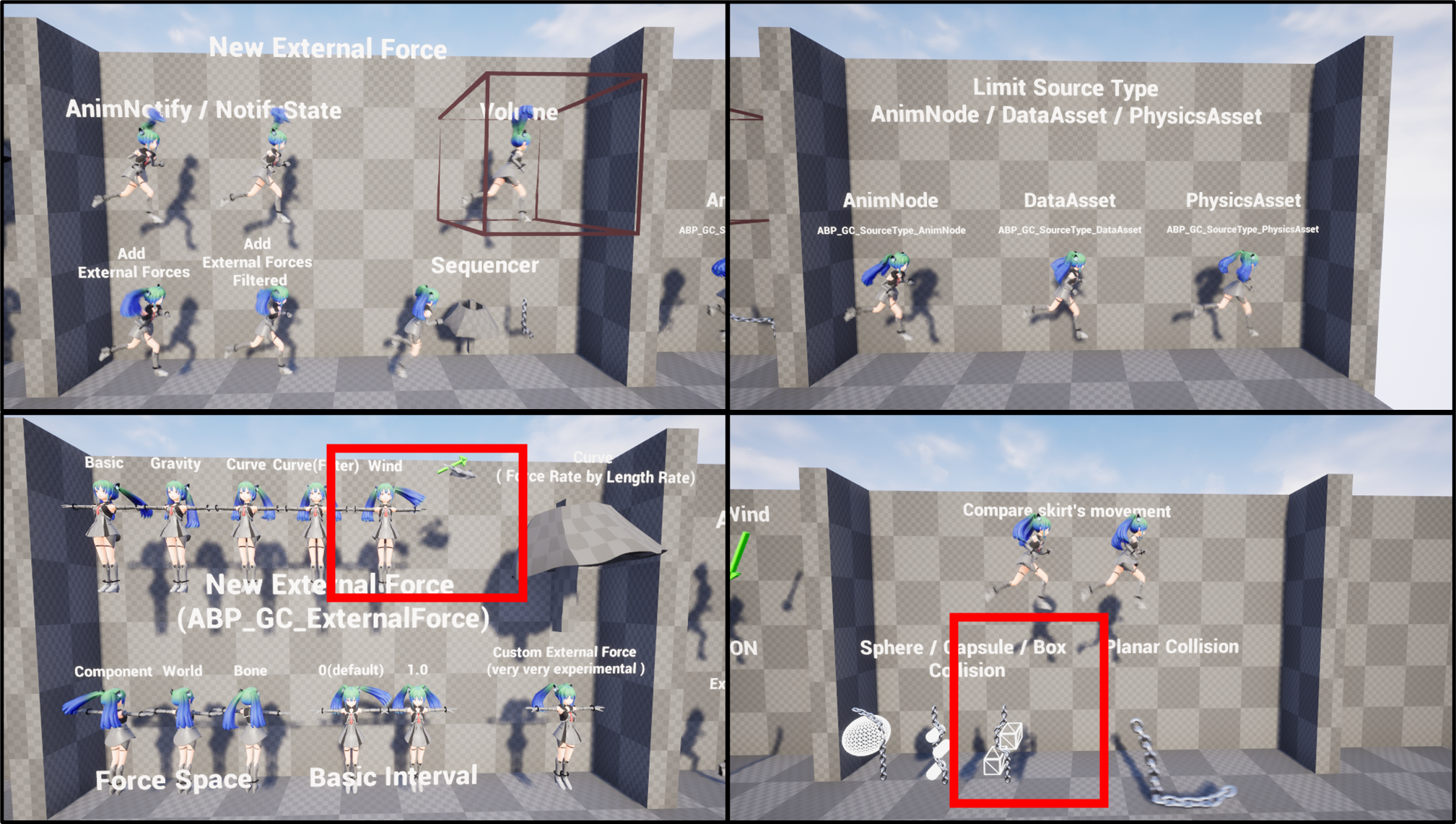
Character and Screenshot Usage Terms
- Gray-chan: the provider URL listed in the public README is
http://rarihoma.xvs.jp/products/graychan. - TA-style Sagimiya Kano: provided by TA Inc.. Copyright (c) 2025 株式会社TA All rights reserved. Usage terms
Check the plugin license and each character's usage terms separately. This page reuses existing Portal screenshots and does not redistribute model files. Image references are the Portal's existing sample material and v1.17 changelog.
Related UE documentation
- Animation Blueprint Nodes — Review AnimGraph node placement, connections, and Details editing. (UE 5.8)